Documents to Markdown
Convert supported documents into plain, portable Markdown for notes and further editing.
Soran’s Workshop · PDF & Document Tools
Turn documents into Markdown. Put PDFs in order. Read text from scans. Soran’s Workshop brings practical file tools into one calm workspace.
Apple Silicon · macOS 27 or later · No app account required
Current development preview: 3.4.2 · build 24. Updated .
This build is being tested locally and is not yet available for public download. Contact us for beta availability.
Convert supported documents into plain, portable Markdown for notes and further editing.
Merge, split, reorder and rotate pages. Compare PDFs and review document checks.
Recognise text locally. Use OCR Review to correct names and figures before exporting.
Bring PDFs together with a generated cover, contents pages and continuous page numbering.
Resize and convert images, or straighten, rotate and crop scanned pages.
Save compatible processing steps, preview filenames and reopen outputs from Recent Results.
These screenshots show an earlier preview. The current layout may differ.
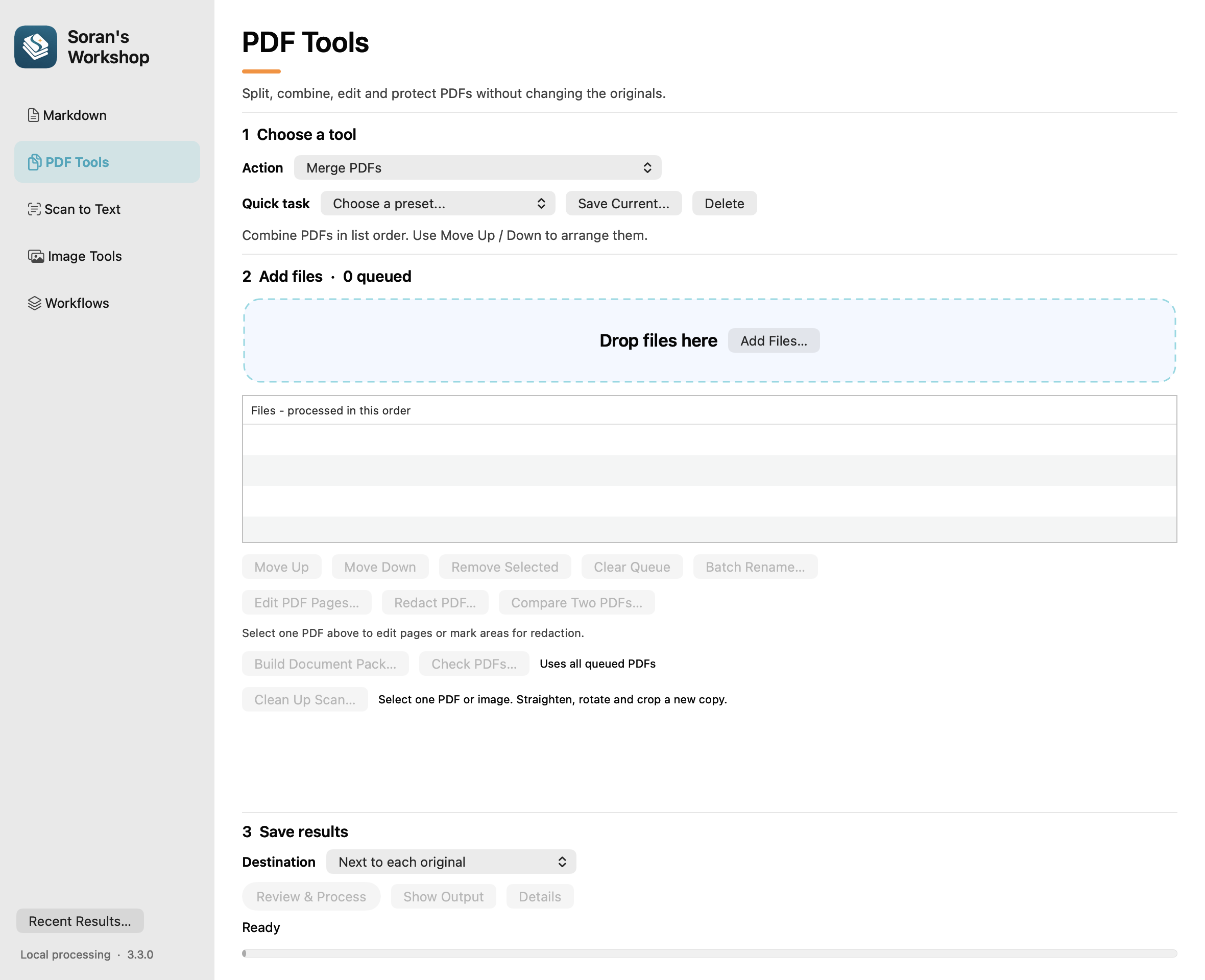
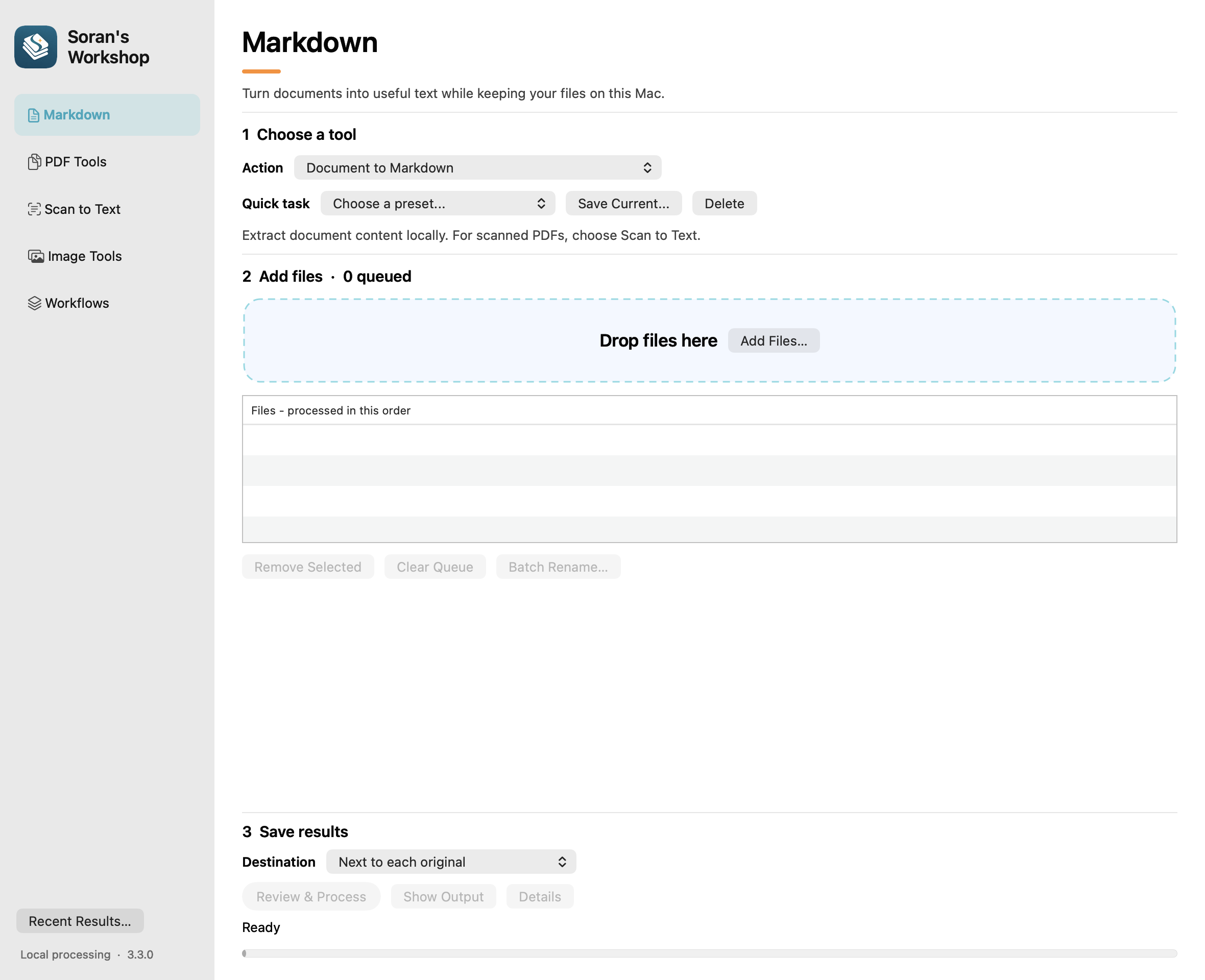
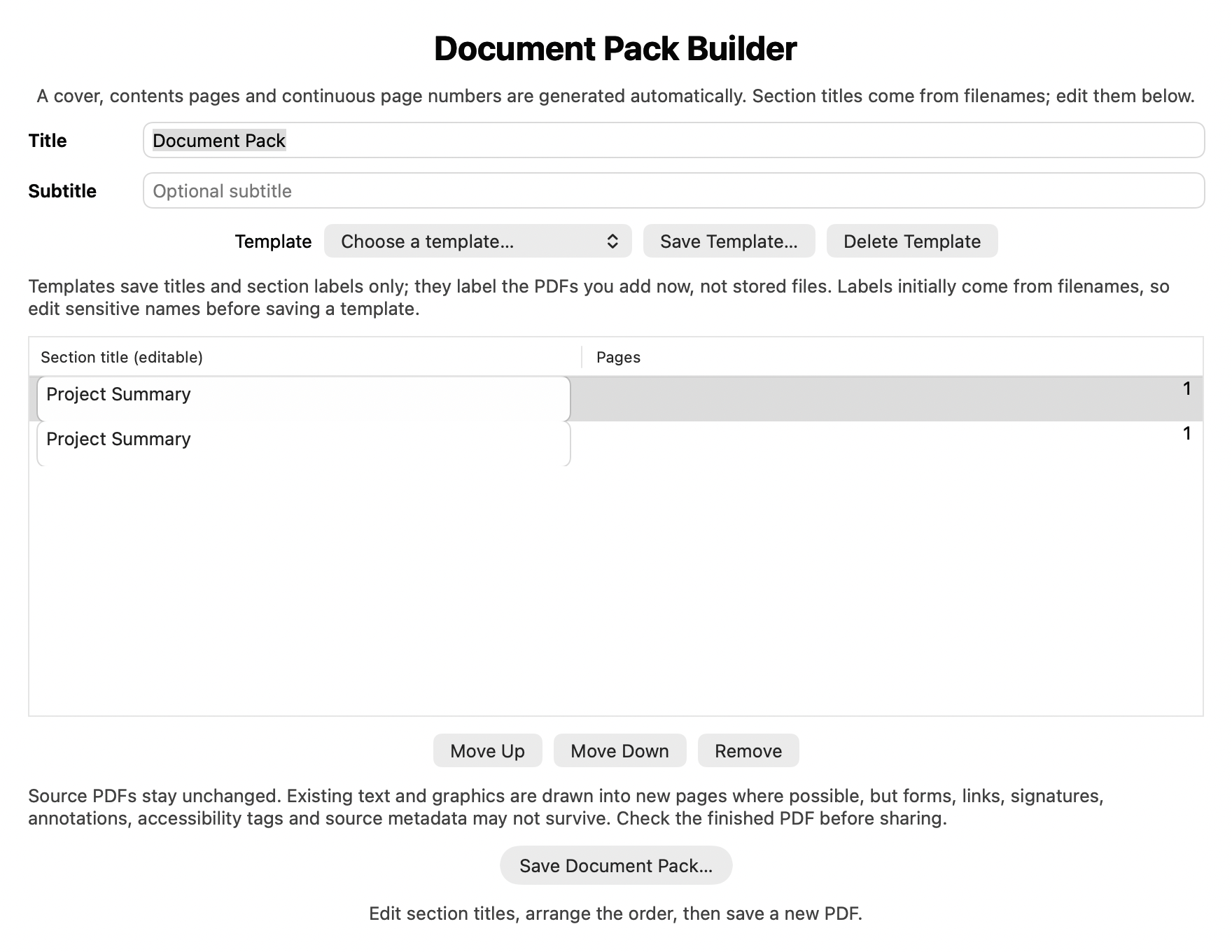
Documents, OCR and images are processed on your Mac. You choose which files to provide and where to save results. If you save into a cloud-synced folder, that service’s own settings apply.
PDF redaction exports a separate image-only PDF with your marked areas obscured. Inspect every page before sharing: the app cannot identify sensitive information you did not mark. Scan cleanup and some PDF operations can remove text layers or interactive features; keep your originals.
Read the privacy policyEmail hello@hourami.uk for help or to ask about beta testing.